Settings
General
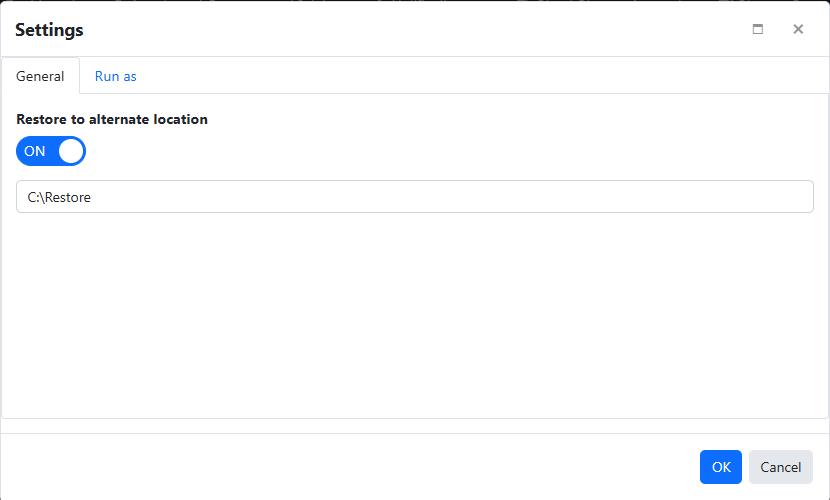
Restore alternate location
By default, files are restored to their original location.
Enable this setting to restore them to a different directory.
Enter a valid Windows path where files should be restored.
The maximum length is 32,767 characters.
The alternate location can be a UNC network share. See Network for managing the credentials used to write to it.
Overwrite Mode
There are three overwrite modes.
- Always overwrite existing files. (Default mode)
- Overwrite existing files if they are older
- Do not overwrite existing files
Run as
Configure the job to Run As an account with permissions to access the network resources.
Filters
To Filter the files to restore. Filters.
Notification
To notify the user while restore. Notification.
Custom Commands
To run custom commands before or after the restore operation. Custom Commands.